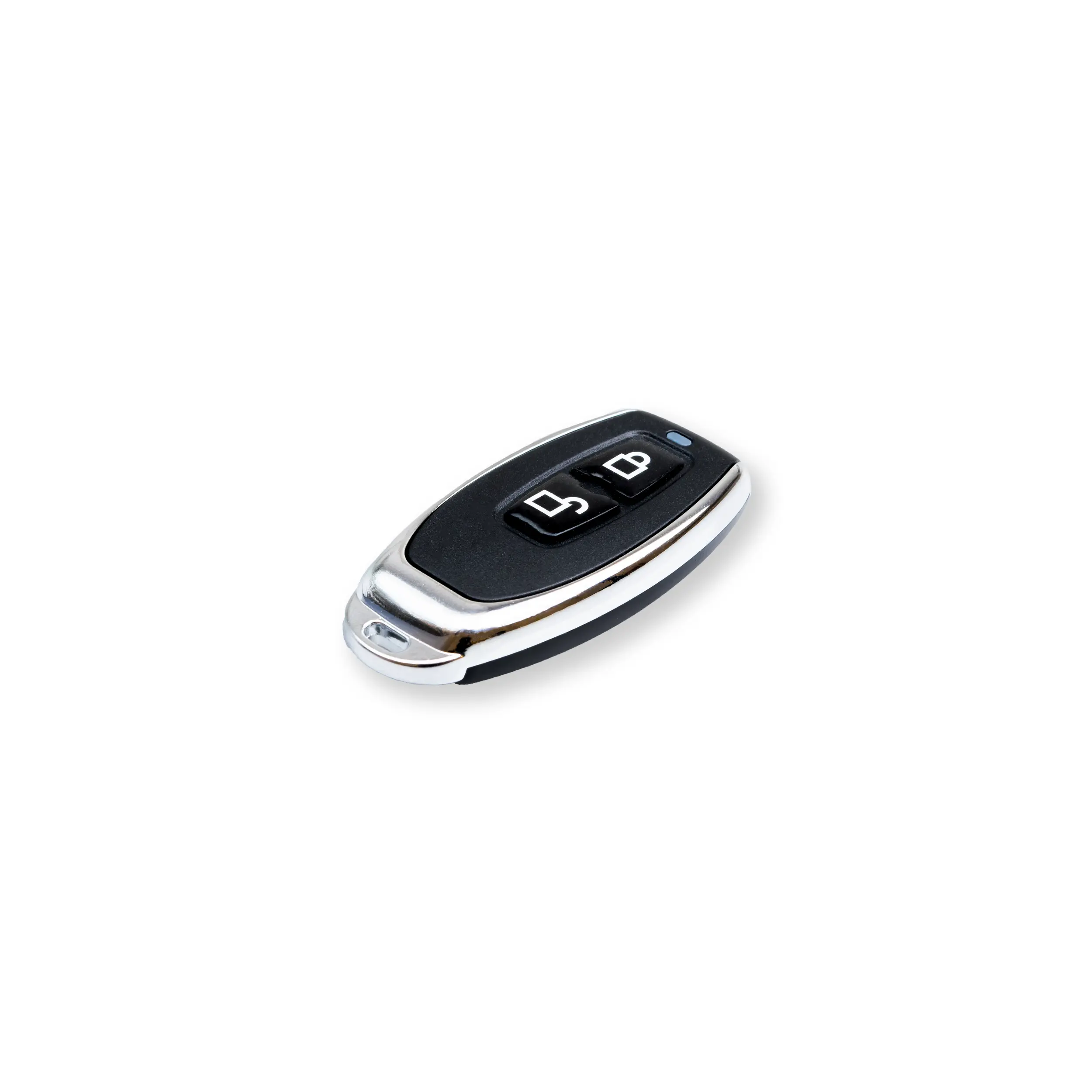
Owner and Master Card | BAYMAX Prime

Product Introduction Product Feature Technical Specification Comments
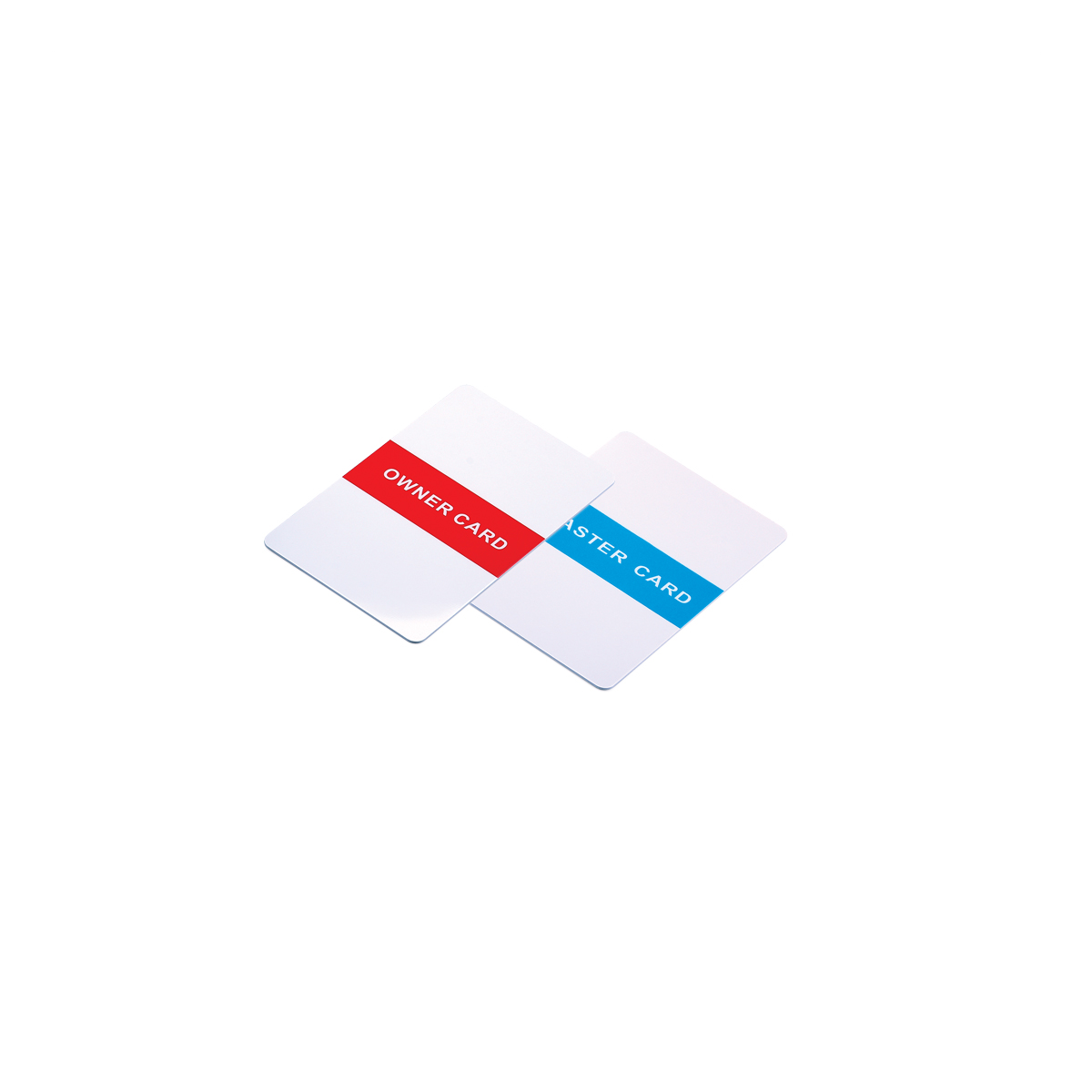
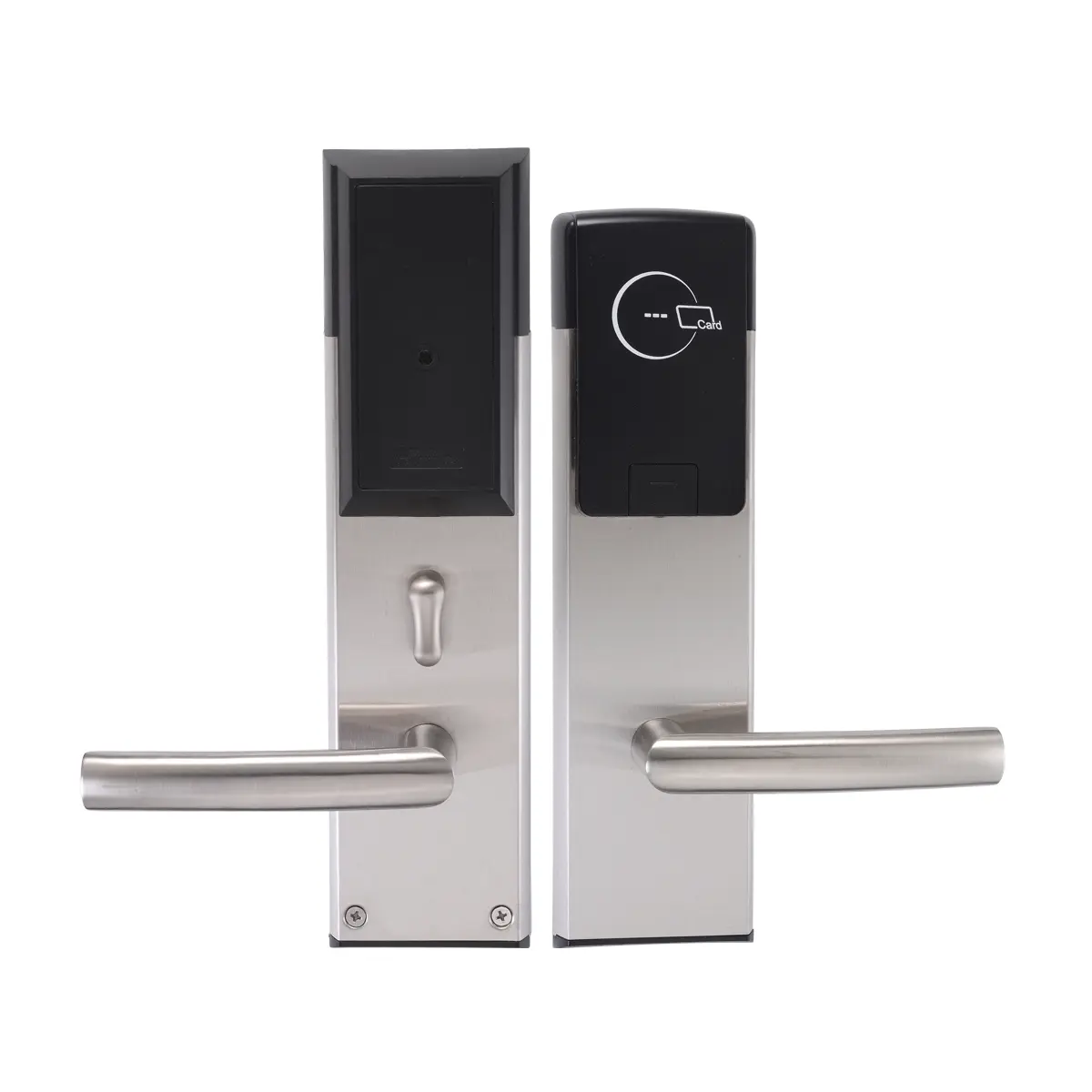
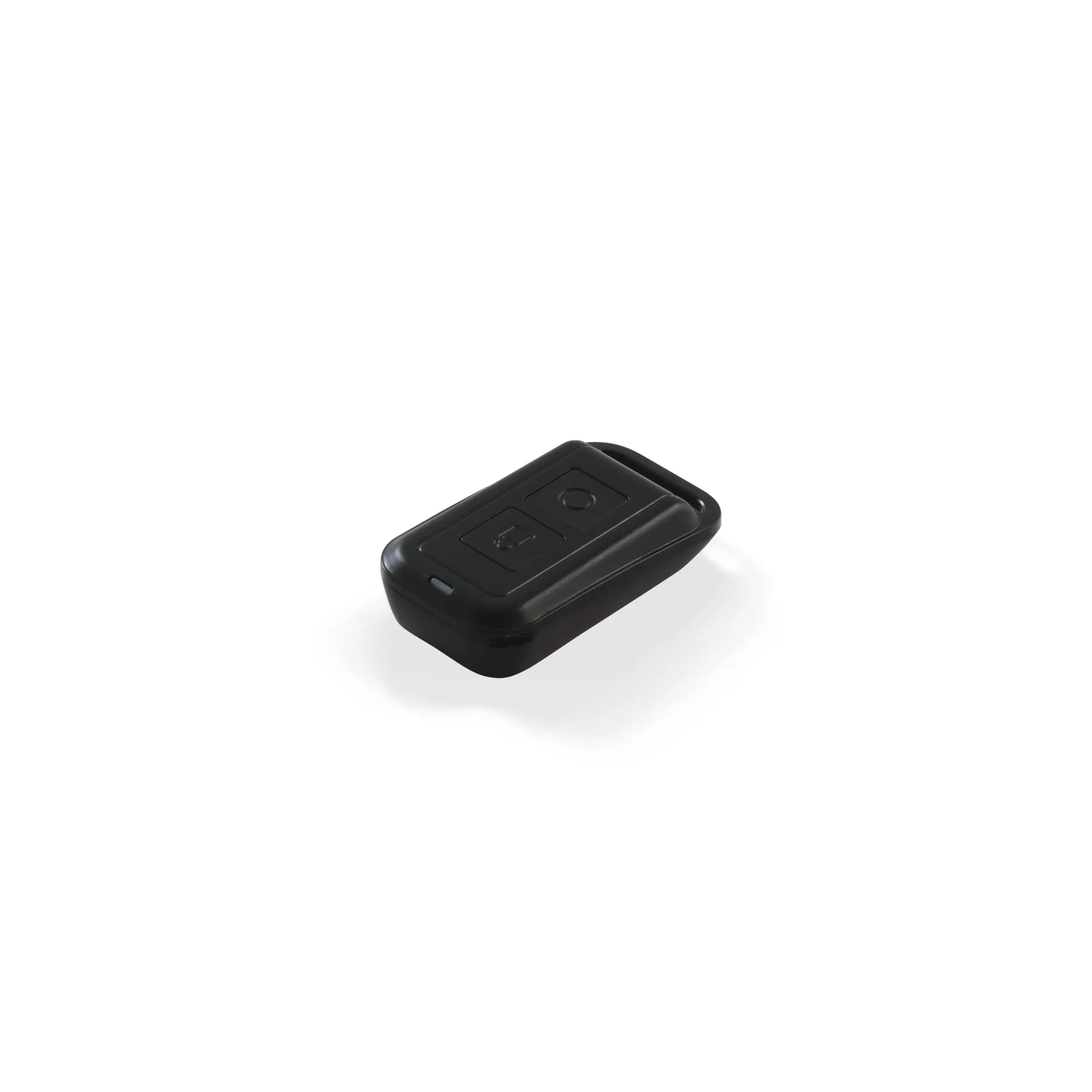
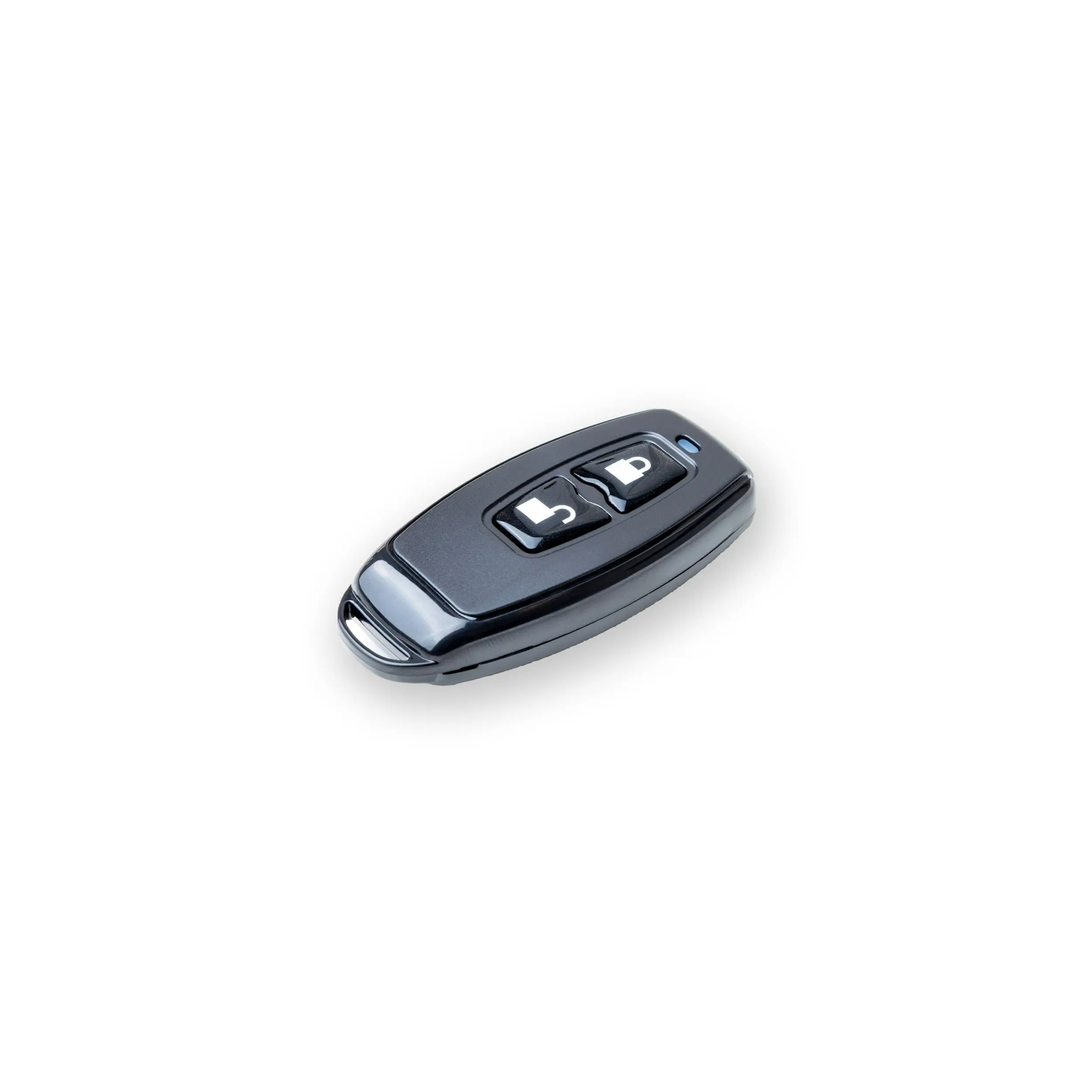
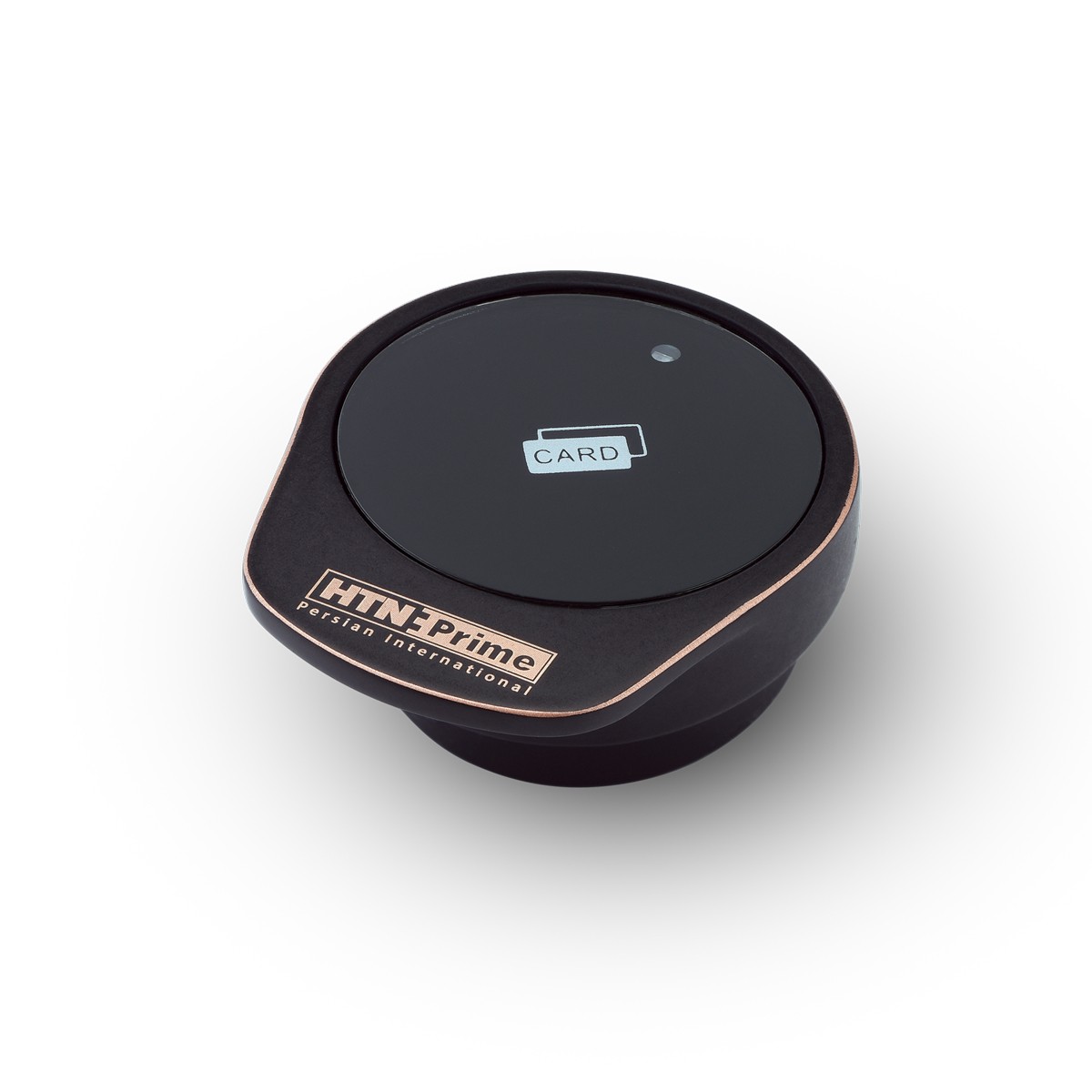
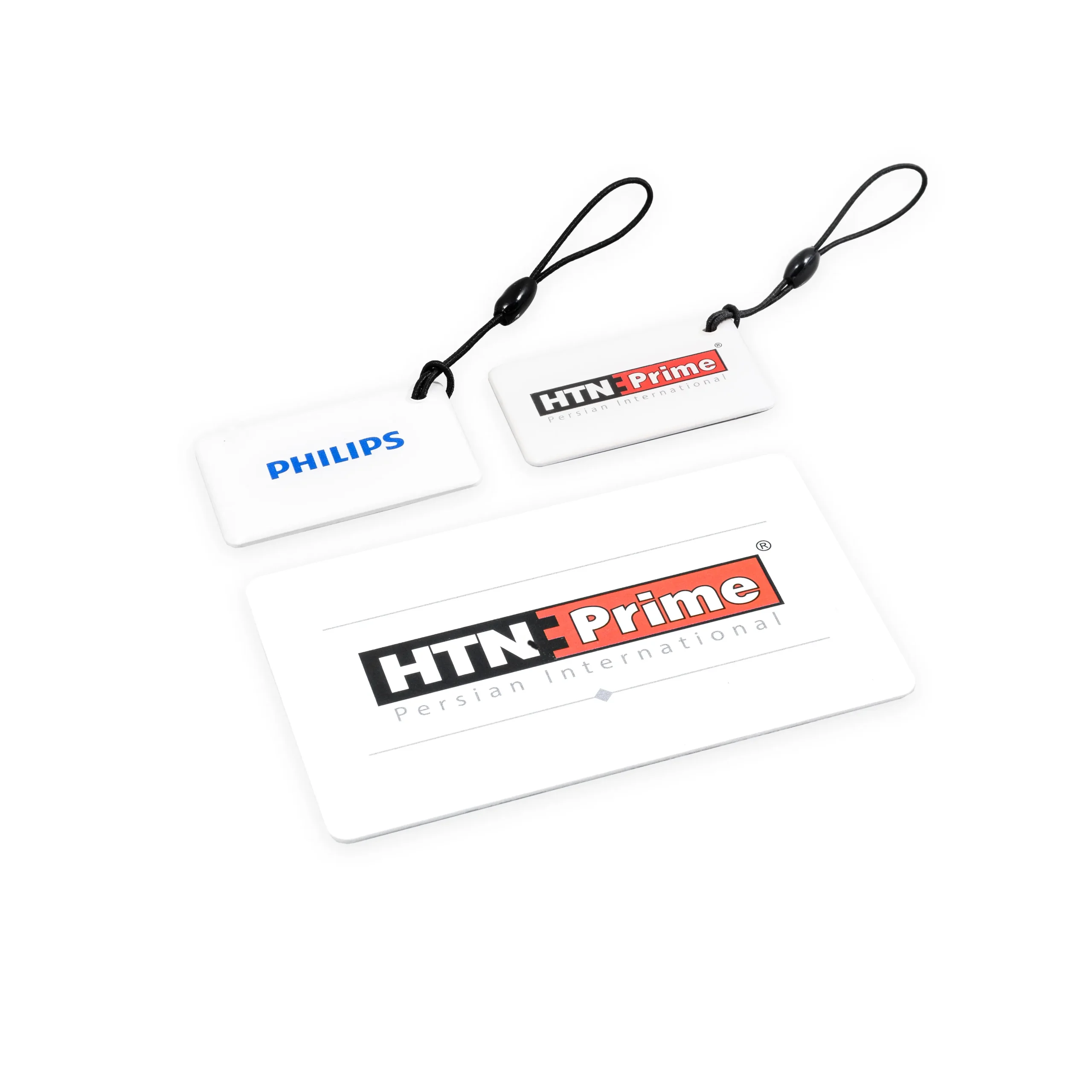
Owner and Master cards are used to configure cards and wristbands for unlocking pool lockers. The Owner card is used to register an administrator, while the Master card is used—alongside user cards—to unlock the locks. To install the Owner Card after the initial setup, hold the card in front of the reader; a blue light will illuminate. A melody indicates that the Owner Card has been registered. Each lock is permitted to have only one Owner Card. While an Owner Card can serve as the owner for a single lock or all locks within a project, it is best practice to use a single Owner Card for all devices to ensure efficient management. The Owner Card is used to register the Master Card and to delete cards and wristbands; it cannot be used to lock or unlock the device. To configure a Master card, place the Owner card in front of the LCD; after hearing the melody, hold the Master card in front of the LCD while the indicator light is flashing to register it. As long as the blue light is flashing, you can register any number of additional Master cards or wristbands in the same manner. To register a user card, place the master card in front of the LCD twice in succession; after hearing the melody, hold the wristband or card in front of the LCD before the flashing light turns off—once the melody sounds, the wristband or card is registered.  
https://www.aparat.com/v/cerl18h

To define the user of pool locks


Special featureMASTER, OWNER
Brand

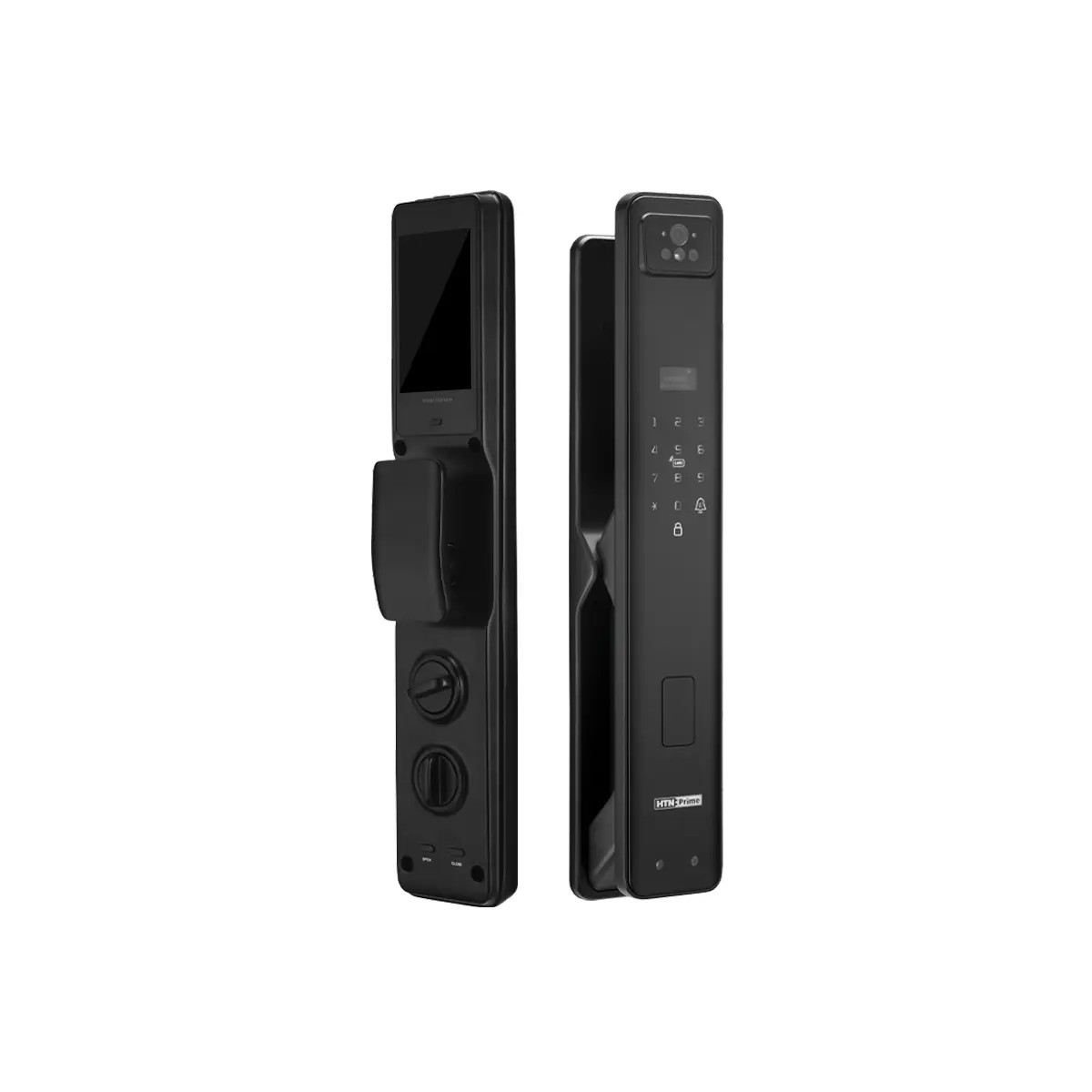
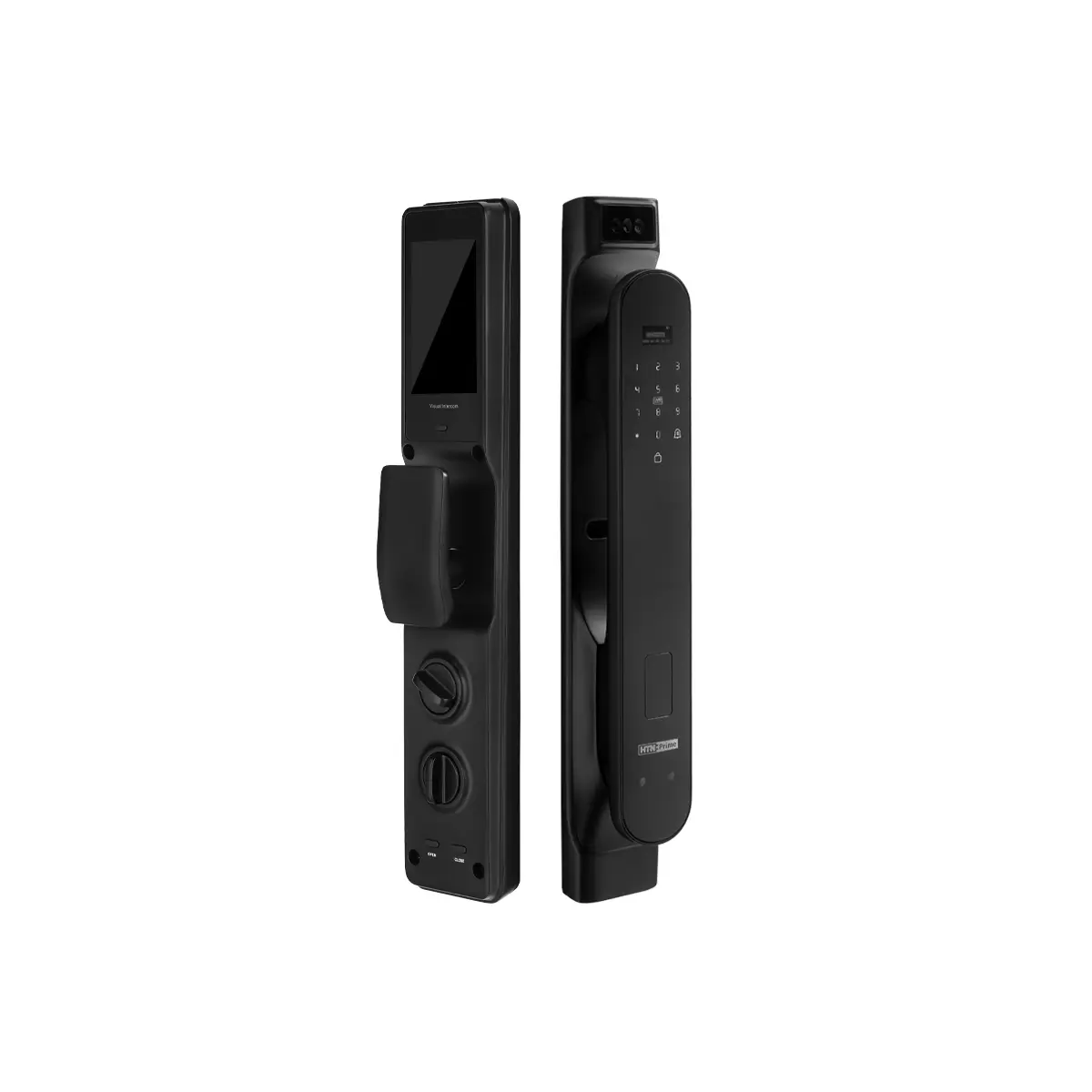
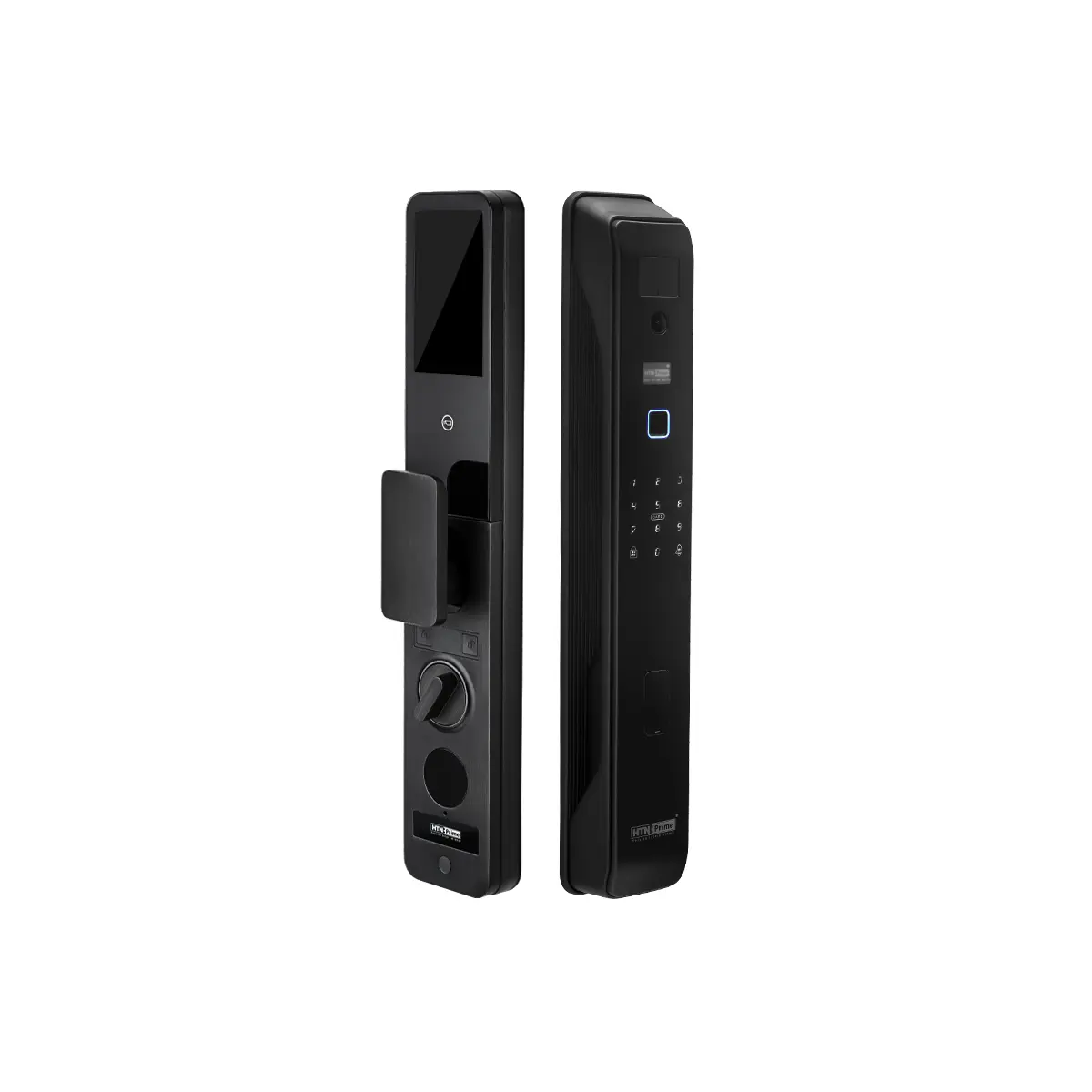
1. Two-step authentication: Open the door by combining two identification methods (password, fingerprint, card or face recognition) to increase security.
2. Passage Mode: Put the lock in a temporary open state for a specified period of time without the need for authentication.
3. Child Lock: Restricts the door from opening from the inside when activated to prevent children or unauthorized persons from leaving.
4. Human body recognition sensor: A sensor that detects the presence or movement of people, enabling faster and contactless entry.
5. Palm Vein Recognition: Accurate and unforgeable security by identifying the pattern of palm veins.
6. Finger Vein Recognition: Unforgeable and secure identity by identifying the pattern of finger veins.
7. Deadbolt lock: An internal lock with a simple lever that prevents the door from being opened from the outside but can be easily opened from the inside.
8. One-time password (OTP): A time-limited, one-time-use temporary code for temporary, secure access.

0 reviews
0
0
0
0
0

There are no reviews yet.

Show only reviews in En (0)

Be the first to review “Owner and Master Card | BAYMAX Prime”

Guarantee

۱ سال ضمانت بدون قید و شرط

Free Shipping for orders over 30 million Tomans

Delivery time: 3 to 7 business days

Guidance and Support +98 21 37 6 32

Product Introduction Product Feature Technical Specification Comments
Owner and Master cards are used to configure cards and wristbands for unlocking pool lockers. The Owner card is used to register an administrator, while the Master card is used—alongside user cards—to unlock the locks. To install the Owner Card after the initial setup, hold the card in front of the reader; a blue light will illuminate. A melody indicates that the Owner Card has been registered. Each lock is permitted to have only one Owner Card. While an Owner Card can serve as the owner for a single lock or all locks within a project, it is best practice to use a single Owner Card for all devices to ensure efficient management. The Owner Card is used to register the Master Card and to delete cards and wristbands; it cannot be used to lock or unlock the device. To configure a Master card, place the Owner card in front of the LCD; after hearing the melody, hold the Master card in front of the LCD while the indicator light is flashing to register it. As long as the blue light is flashing, you can register any number of additional Master cards or wristbands in the same manner. To register a user card, place the master card in front of the LCD twice in succession; after hearing the melody, hold the wristband or card in front of the LCD before the flashing light turns off—once the melody sounds, the wristband or card is registered.  

To define the user of pool locks


Special featureMASTER, OWNER
Brand

Guarantee

۱ سال ضمانت بدون قید و شرط

Free shipping for orders over 30 million Tomans

Delivery time 3 to 7 working days

Guidance and Support +98 21 37 6 32